Guide: When to Use Docker, Docker Swarm, or Kubernetes for Your Applications
By Bruno Hoinacki
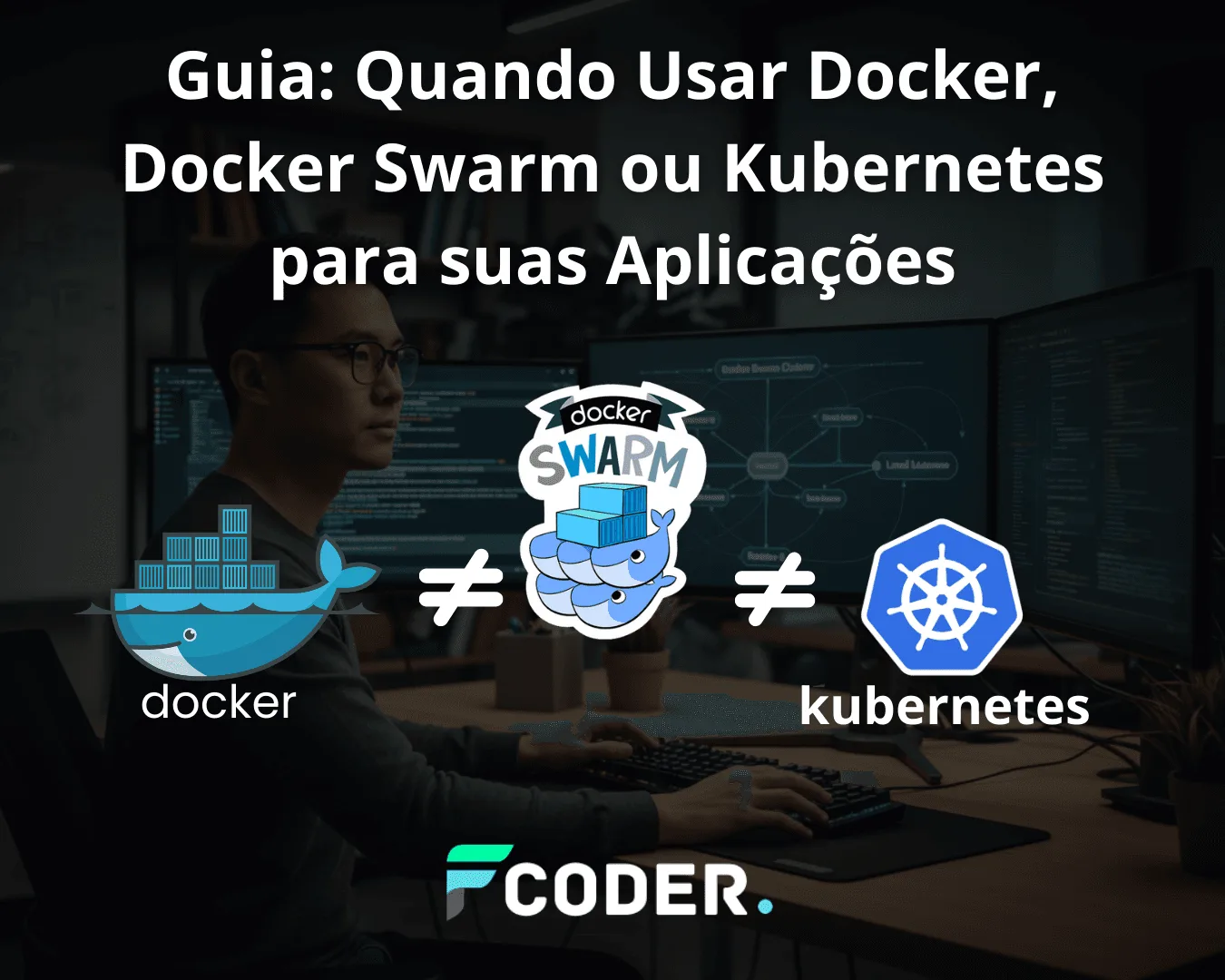
In the world of containers, there are different ways to orchestrate, scale, and manage applications. But what exactly is the difference between running Docker in standalone mode, using Docker Swarm (single node or multiple nodes), or investing in a Kubernetes cluster?
In this article, we break these concepts down and show when each option makes sense.
🐳 Docker Standalone: the basics
When you install Docker on a machine (Linux, Windows, or Mac), it runs in standalone mode. This means that:
- All containers are limited to a single host.
- There is no automatic load balancing.
- Management is done manually, container by container.
👉 It's great for local development, quick tests, and small environments.
Practical example:
Create a simple container with Nginx:
docker run -d -p 8080:80 nginxThis command spins up a web server inside a container, available at http://localhost:8080.

⚡ Docker Swarm (single-node mode)
Docker Swarm comes built into Docker and is Docker's own official option for orchestration.
In single-node mode, it still runs on just one machine, but with advantages:
- Lets you use services instead of individual containers.
- Makes scaling easier (replicating instances of a service).
- Includes auto-restart features and basic management.
Practical example:
Creating an Nginx service scaled to 3 replicas:
docker swarm init
docker service create --name web --replicas 3 -p 8080:80 nginx
Now, Swarm manages the containers as a service, rather than manually.

🌐 Docker Swarm in clusters (multiple nodes)
The real power of Swarm shows up when we create a cluster with multiple nodes.
Here we have two types of nodes:
- Managers: responsible for managing the cluster state.
- Workers: where the containers actually run.
Advantages:
- Horizontal scalability (running containers across several machines).
- Automatic load balancing across nodes.
- High availability (if one node fails, another takes over).
Practical example:
Starting a cluster:
# No primeiro nó (manager):
docker swarm init --advertise-addr 192.168.1.10

# No worker, adicionamos ao cluster:
docker swarm join --token SEU_TOKEN 192.168.1.10:2377
Then, create replicated services spread across the cluster:
docker service create --name web --replicas 5 -p 8080:80 nginx
☸️ Kubernetes (robust clusters)
Kubernetes (K8s) is the market standard when it comes to large-scale orchestration.
It offers more advanced features than Docker Swarm:
- Intelligent scheduling of pods.
- Auto-healing (automatically restarts failed containers).
- Horizontal Pod Autoscaling based on metrics.
- Namespaces and granular access control.
- Rich ecosystem (Ingress, Secrets, ConfigMaps, Service Mesh, etc.).
Practical example:
Creating a deployment in Kubernetes:
kubectl create deployment web --image=nginx
kubectl scale deployment web --replicas=5
kubectl expose deployment web --port=80 --type=LoadBalancer
Here, Kubernetes takes care of creating the pods, distributing them across the cluster nodes, and keeping the application healthy.

💡 Extra tips
- Use Docker Standalone only for dev or very small environments.
- Choose Docker Swarm if you already use Docker and want something simple, with a basic cluster.
- Invest in Kubernetes when you need enterprise scale, multiple teams, and high complexity.
- On cloud providers like AWS, GCP, and Azure, Kubernetes support is much more mature than Swarm support.
🔗 Useful references
🚀 Conclusion
In short:
- Standalone → ideal for dev/testing.
- Single-node Swarm → light automation.
- Multi-node Swarm → simple, Docker-native cluster.
- Kubernetes → complete, scalable solution and the market standard.
If you're just starting out, try Docker Swarm to understand cluster concepts. But if your application already needs serious scalability and resilience, go straight to Kubernetes.
👉 Want to turn your idea into a scalable, modern project? Get in touch with Forcoder and let's build it together!