
Essential Network Protocols: TCP vs UDP, DNS, DHCP, FTP, SSH, and HTTP/HTTPS
By Bruno Hoinacki

Introduction
Have you ever stopped to think about what happens behind the scenes when you visit a website, log in to a remote server, or simply connect your computer to Wi-Fi? All of this is only possible thanks to a set of network protocols, which work as universal rules and languages so that different devices can communicate with each other.
In this complete guide, we will explore, in a practical and detailed way, the main protocols that underpin the internet and corporate networks: TCP, UDP, DNS, DHCP, FTP, SSH, and HTTP/HTTPS. Our goal is that, by the end of the article, you will understand not only what each protocol does, but also how to apply them correctly in your daily work as a developer, systems administrator, or technology enthusiast.
🔄 TCP vs UDP: The Foundation of Communication
Before we get into more specific protocols, it is essential to know the two pillars of data transport: TCP and UDP. They are present in virtually every network application and define how information travels between computers.
📦 TCP (Transmission Control Protocol)
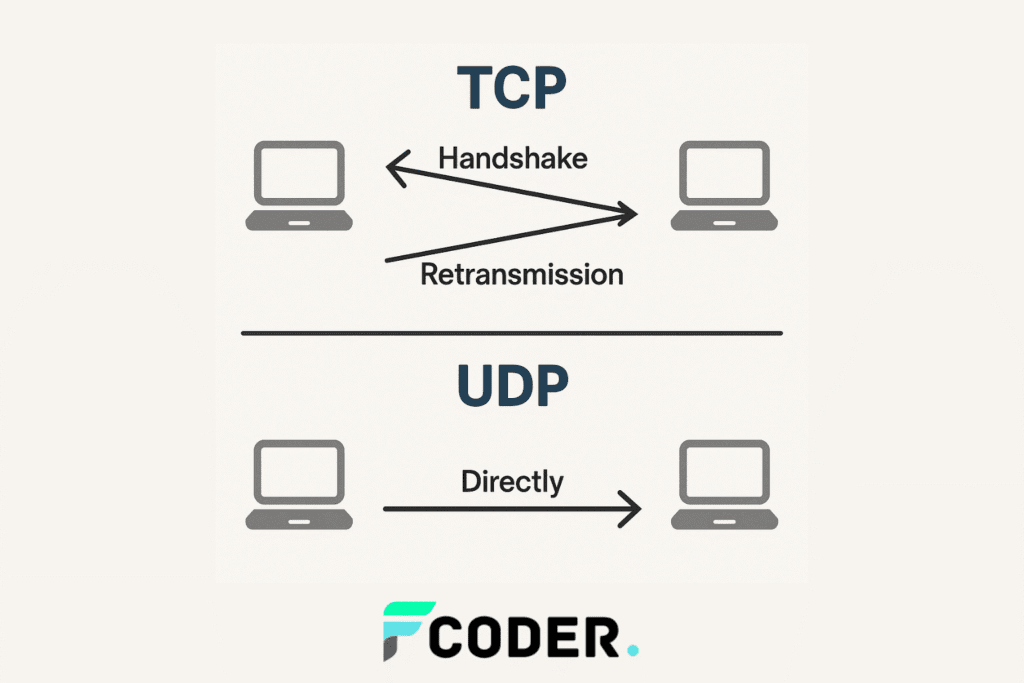
TCP is the choice when we need reliability. It establishes a connection before sending data, making sure nothing is lost along the way.
- Connection-oriented: performs the famous three-way handshake to start communication.
- Reliable: checks that every packet arrived and retransmits it if lost.
- Ordered: ensures packets arrive in the correct sequence.
📌 Practical example:
# Testando uma conexão TCP com netcat
nc -vz google.com 80
This command tests whether port 80 (HTTP) on Google’s server is open and reachable over TCP.
⚡ UDP (User Datagram Protocol)
UDP, on the other hand, trades reliability for speed. It sends packets without worrying about whether they arrive, which makes it ideal for real-time applications.
- No prior connection: does not perform a handshake.
- Faster and lighter: less overhead.
- Unreliable: packets can be dropped or arrive out of order.
📌 Practical example:
# Enviando mensagem UDP com netcat
echo "Teste UDP" | nc -u -w1 127.0.0.1 9999
🔑 Summary: Prefer TCP in situations that require reliability (e.g., file transfers, web browsing) and UDP when speed is the priority (e.g., VoIP calls, streaming, and online games).
🌍 DNS (Domain Name System)
Imagine having to memorize the IP address of every site you visit. Impossible, right? That is where DNS comes in, acting as the internet’s phone book. It translates domain names (such as forcoder.com) into IP addresses that machines understand.
- Hierarchical structure: root → TLD (.com, .org, .br) → domain.
Record types:
- A: maps a domain to IPv4.
- AAAA: maps a domain to IPv6.
- CNAME: alias for another domain.
- MX: email servers.
📌 Practical example:
# Consultar DNS com dig
dig forcoder.com A


# Consultar servidor DNS específico
dig @8.8.8.8 forcoder.com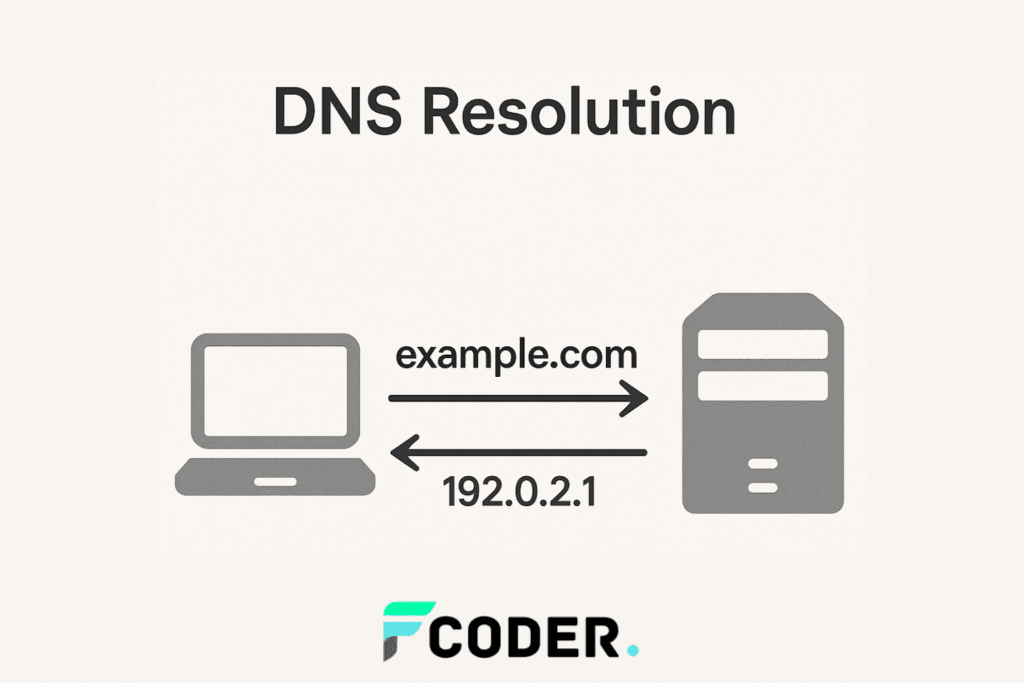
💡 Extra tip: always configure redundant DNS servers to avoid downtime.
📡 DHCP (Dynamic Host Configuration Protocol)
If DNS translates names into IPs, DHCP makes sure every device on the network automatically receives a valid IP address and other settings, such as the gateway and DNS.
- Eliminates manual configuration.
- Uses UDP (port 67/68).
- Works in four steps: Discover → Offer → Request → Acknowledge.
📌 Practical example:
# Verificar informações de rede
ip addr show


# Renovar lease DHCP
dhclient -r && dhclient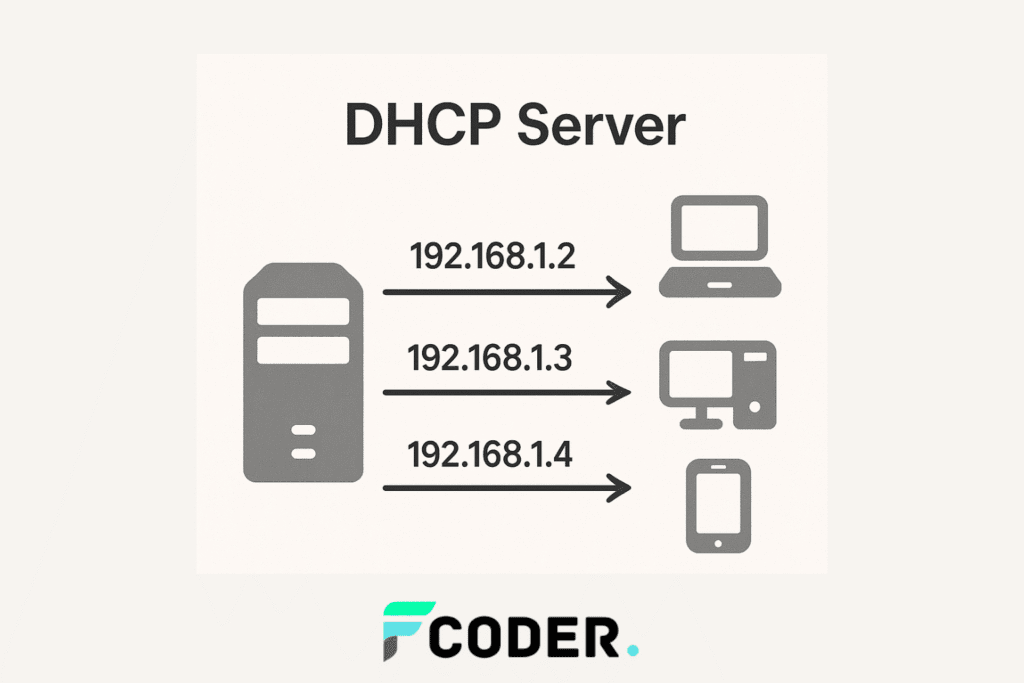
📂 FTP (File Transfer Protocol)
FTP is one of the oldest protocols for file transfer. Although it has been largely replaced by secure alternatives, it still shows up in legacy systems and corporate environments.
- Works over TCP (ports 20 and 21).
- Operates in active or passive mode.
- Data is transmitted in cleartext, with no encryption.
📌 Practical example:
# Conectar a um servidor FTP
ftp ftp.servidor.com


# Enviar arquivo
put arquivo.txt


# Baixar arquivo
get dados.csv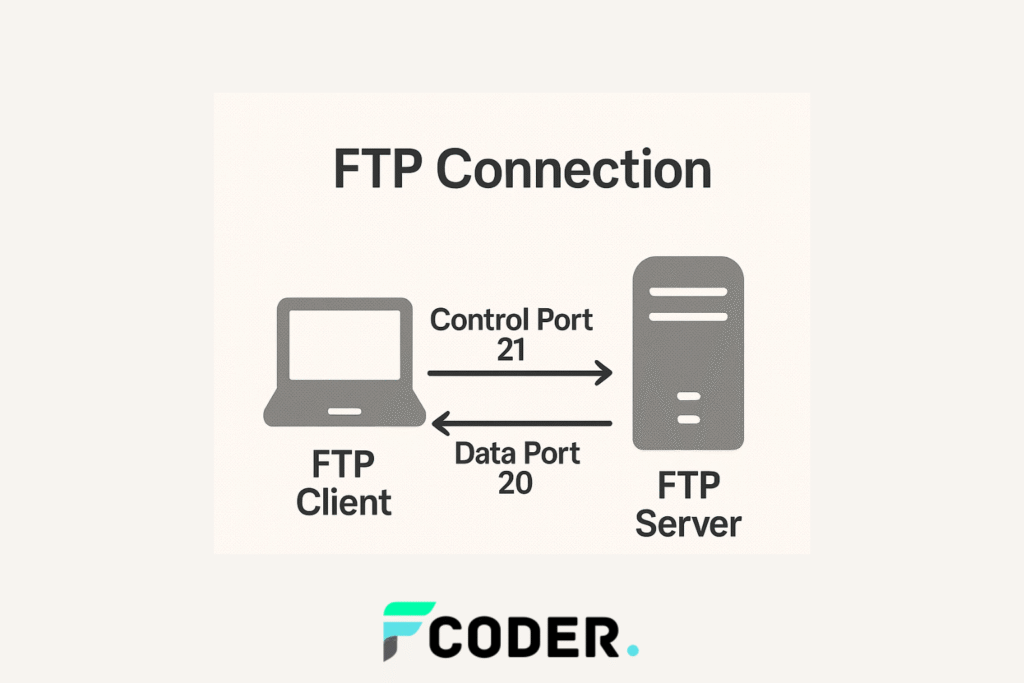
💡 Extra tip: whenever possible, replace FTP with SFTP, which uses SSH and offers security.
🔐 SSH (Secure Shell)
SSH revolutionized systems administration by allowing secure remote access to servers. It also enables connection tunneling and file transfer.
- Uses TCP (port 22).
- Authentication by password or public key.
- Supports SCP and SFTP for secure copying.
📌 Practical example:
# Conectar a um servidor SSH
ssh usuario@192.168.0.10


# Copiar arquivo com scp
scp arquivo.txt usuario@192.168.0.10:/home/usuario/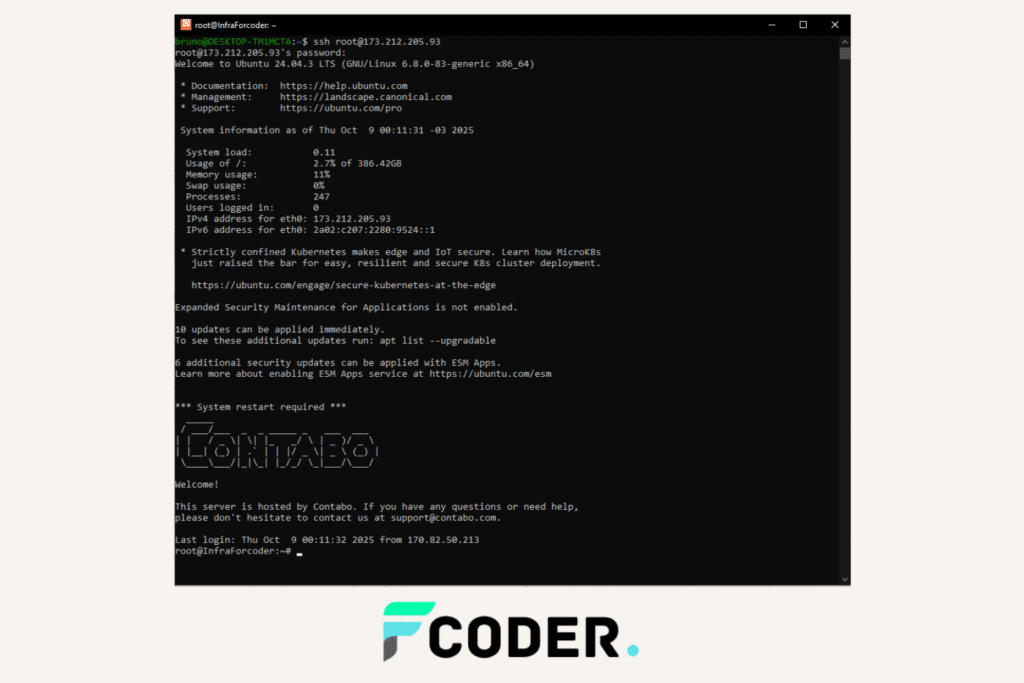
💡 Extra tip: disable password login and use only SSH keys to increase security.
🌐 HTTP vs HTTPS
The web as we know it today only exists thanks to HTTP. However, with growing concern for privacy and security, HTTPS has become the standard.
🔓 HTTP (HyperText Transfer Protocol)
- Default port: 80.
- Cleartext transmission.
- Vulnerable to interception.
🔒 HTTPS (HTTP Secure)
- Default port: 443.
- Uses SSL/TLS for encryption.
- Essential for modern websites.
📌 Practical example:
# Testar cabeçalhos HTTP
telnet forcoder.com 80
GET / HTTP/1.1
Host: forcoder.com
# Testar cabeçalhos HTTPS com curl
curl -I https://forcoder.com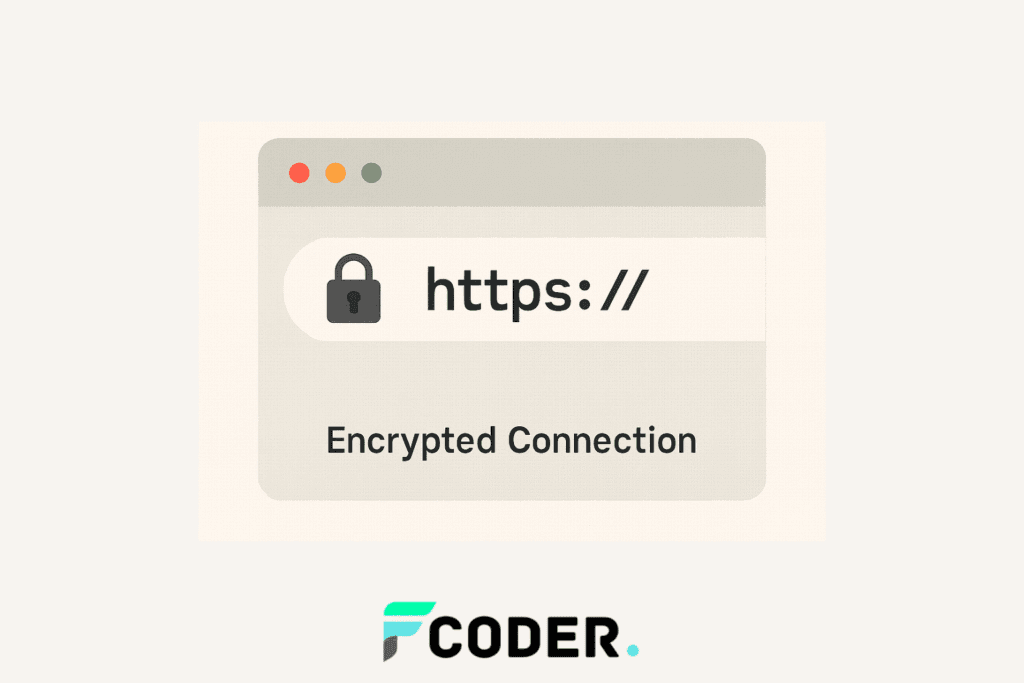
🔑 Conclusion
Having made it this far, you now understand how different protocols work together so that we can browse, transfer files, connect to servers, and even play online. TCP and UDP handle packet delivery, DNS resolves domain names, DHCP distributes IP addresses, FTP/SFTP enable file transfers, SSH ensures secure remote access, and HTTP/HTTPS underpin the modern web.
With this knowledge, you will be better prepared to configure networks, diagnose problems, and implement secure solutions.
🚀 At Forcoder, we help companies build robust, secure digital solutions, always with a focus on innovation. If you want to turn your idea into reality, get in touch with us!
✅ External references: