
Practical Guide: Understanding Routers, Switches, Firewalls and Access Points
By Bruno Hoinacki

The foundation of any network infrastructure, whether home or corporate, lies in the devices that connect, control and protect data traffic. Routers, switches, firewalls and access points are the four pillars of that structure, yet it's still common to see questions about what each one does, how they complement each other and which to choose in each scenario.
In this Forcoder guide, we'll dive deep into each of these devices, understand how they work, how they communicate and look at practical configuration examples. If you want to master the basics of networking (and look like an IT wizard when the Wi-Fi goes down 🧙♂️), this article is for you.
1. Routers: the brain that connects networks
The router is the device responsible for linking different networks together, deciding where each data packet should go. It is the central point that connects your local network (LAN) to the internet (WAN).
In a company, the router is the equipment that talks to the ISP and distributes access to the other devices. At home, it plays a dual role as router and, often, Wi-Fi access point.
Main functions of a router:
- Packet routing: chooses the best path to send data to its destination.
- NAT (Network Address Translation): converts internal IP addresses into a single public IP.
- DHCP (Dynamic Host Configuration Protocol): automatically assigns IP addresses to connected devices.
- Basic firewall: blocks suspicious traffic (on models with built-in features).
Practical example (Linux)
You can view the routes configured on a Linux router with:
ip route showTo add a route manually:
sudo ip route add 192.168.2.0/24 via 192.168.1.1💡 Extra tip: In corporate networks, prefer dedicated routers (such as Mikrotik, Ubiquiti EdgeRouter or Cisco ISR) to ensure better traffic control and security.
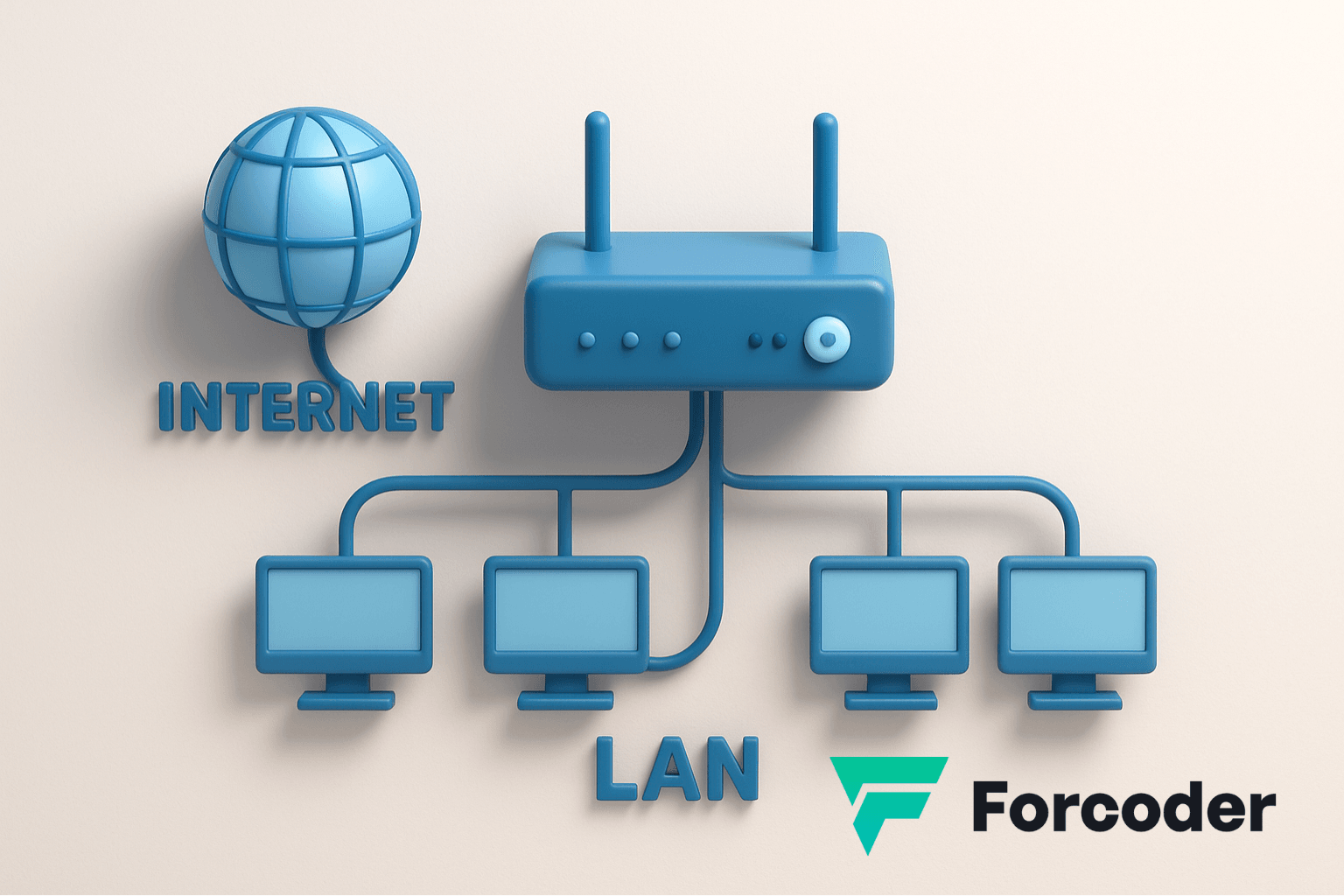
Home vs. Corporate Router
Home Router
Ideal for homes and small offices. Offers basic Wi-Fi features, simple security and limited support for simultaneous connections.
Corporate Router
Designed for businesses. Includes advanced security features, remote management, multiple VLANs and high traffic capacity.
2. Switches: the conductor of the local network
While the router connects different networks, the switch connects devices within the same local network. It's like a conductor that intelligently organizes the flow of data between computers, servers and printers.
Types of switches:
- Unmanaged switch: simple, plug-and-play; ideal for small networks.
- Managed switch: allows control via web interface or CLI, VLANs, QoS and monitoring.
How the switch works:
Each switch port learns the MAC address of the connected device. This way, when a packet arrives, the switch sends it only to the correct port, optimizing traffic and avoiding collisions.
Example command on a Cisco switch:
show mac address-tableTo create a VLAN:
configure terminal
vlan 10
name Developers
exit
🧠 Extra tip: Using VLANs is essential in corporate networks to separate departments (for example, Finance, IT, Marketing) and improve security.
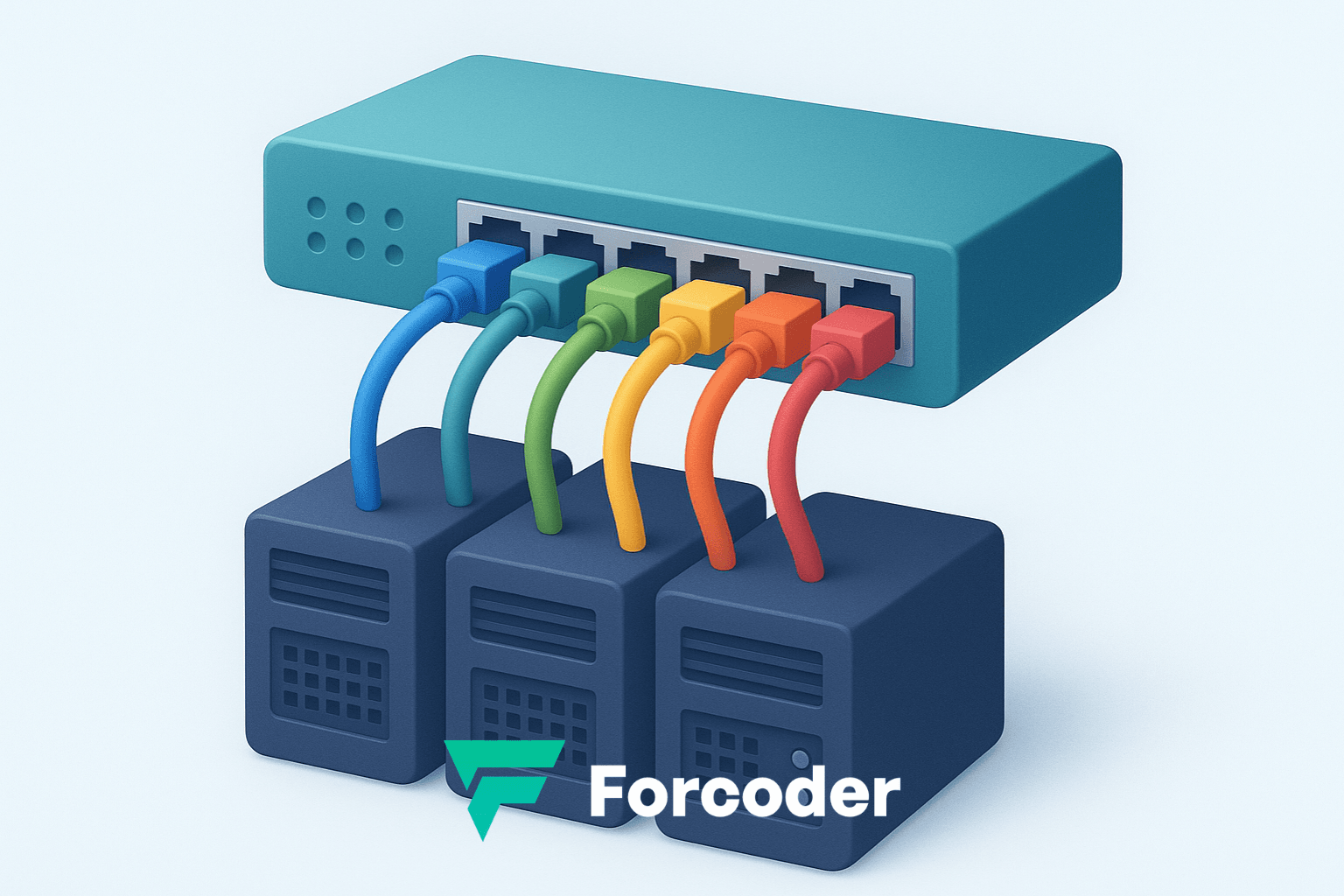
Switch Types and Their Differences
Unmanaged Switch
Simple and ready to use, ideal for small networks. It doesn't allow configuration or monitoring — just plug in the cables and go.
Managed Switch
Lets you configure VLANs, QoS, traffic monitoring and advanced security. Recommended for companies that need full control of the network.
PoE Switch (Power over Ethernet)
Delivers electrical power over the same network cable. Ideal for IP cameras, access points and VoIP phones, reducing cables and external power supplies.
Layer 3 (L3) Switch
Combines switch and router functions, performing routing between VLANs internally. Recommended for complex corporate networks with multiple segments.
3. Firewalls: the network's shield
The firewall is responsible for protecting the network against unauthorized access, analyzing every packet that comes in and goes out. It acts as a smart doorman, allowing or blocking connections based on predefined rules.
Types of firewall:
- Network firewall: operates between networks (e.g., between the LAN and the internet).
- Host firewall: protects a single device (e.g., Windows firewall or UFW on Linux).
- Next-Generation Firewall (NGFW): offers deep packet inspection, intrusion detection and application control.
Practical example (Linux UFW):
sudo ufw status
sudo ufw allow 22/tcp
sudo ufw enable
These commands allow SSH access (port 22) and enable the UFW firewall.
💡 Extra tip: For business environments, consider advanced solutions such as pfSense, FortiGate or Cisco ASA, which allow granular policies and built-in VPN.
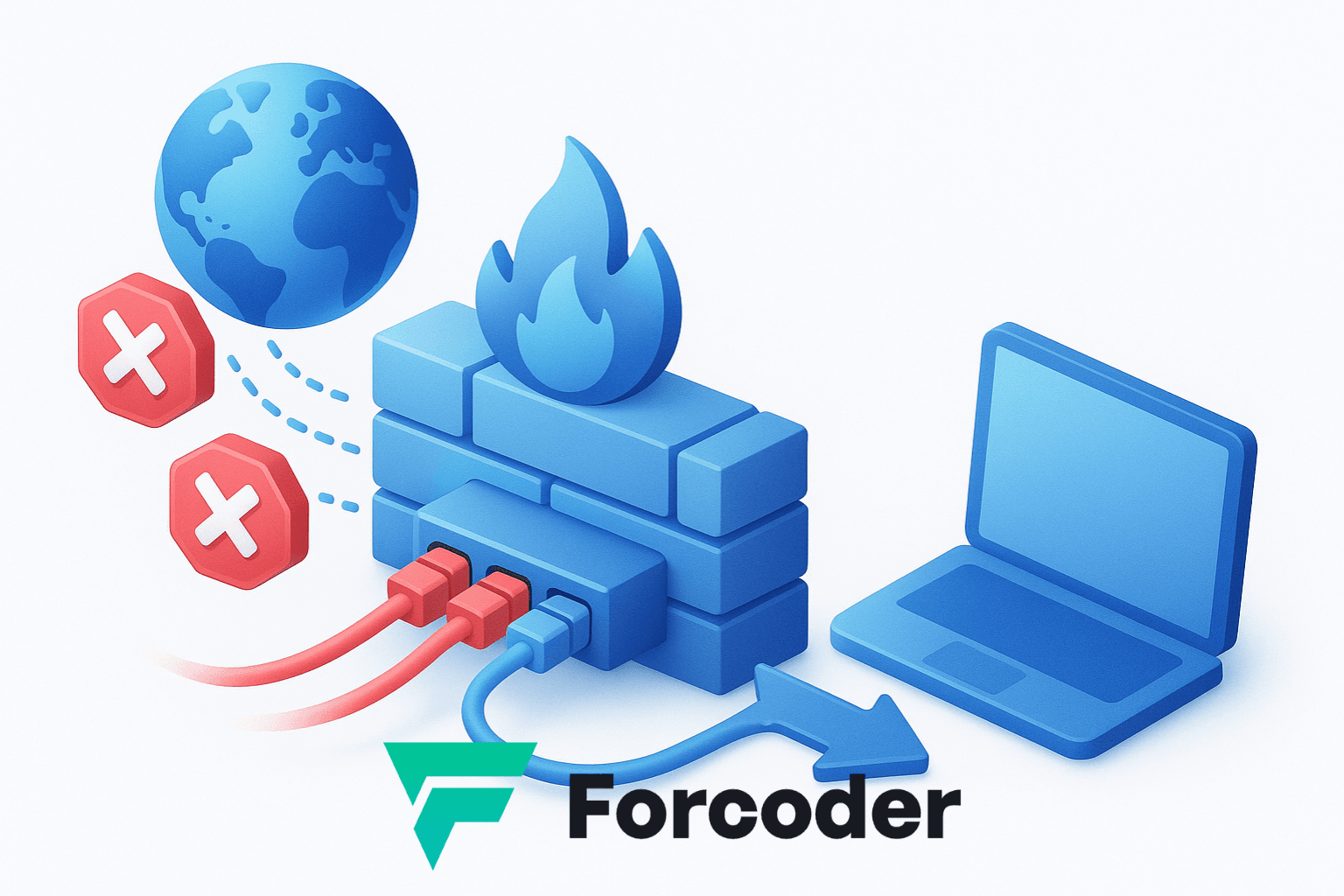
4. Access Points: taking Wi-Fi further
The Access Point (AP) is responsible for extending and distributing the Wi-Fi signal of a network. It is not a router, but it works alongside one, turning the wired network into a wireless one.
In companies, it's common to use multiple access points interconnected via Ethernet cable, controlled by a central controller, which ensures seamless roaming (no dropped connections when moving between rooms).
Types of access points:
- Standalone: configured individually.
- Managed (controller-based): administered by software or a controller (e.g., Unifi Controller, Aruba Instant).
- Mesh: connects wirelessly to other APs, extending coverage without the need for cables.
Configuration example (Ubiquiti Unifi):
set-inform http://192.168.1.10:8080/informThis command tells the AP the address of the central controller.
🚀 Extra tip: Place APs in elevated spots away from metal obstacles. Use different channels to avoid interference between devices.
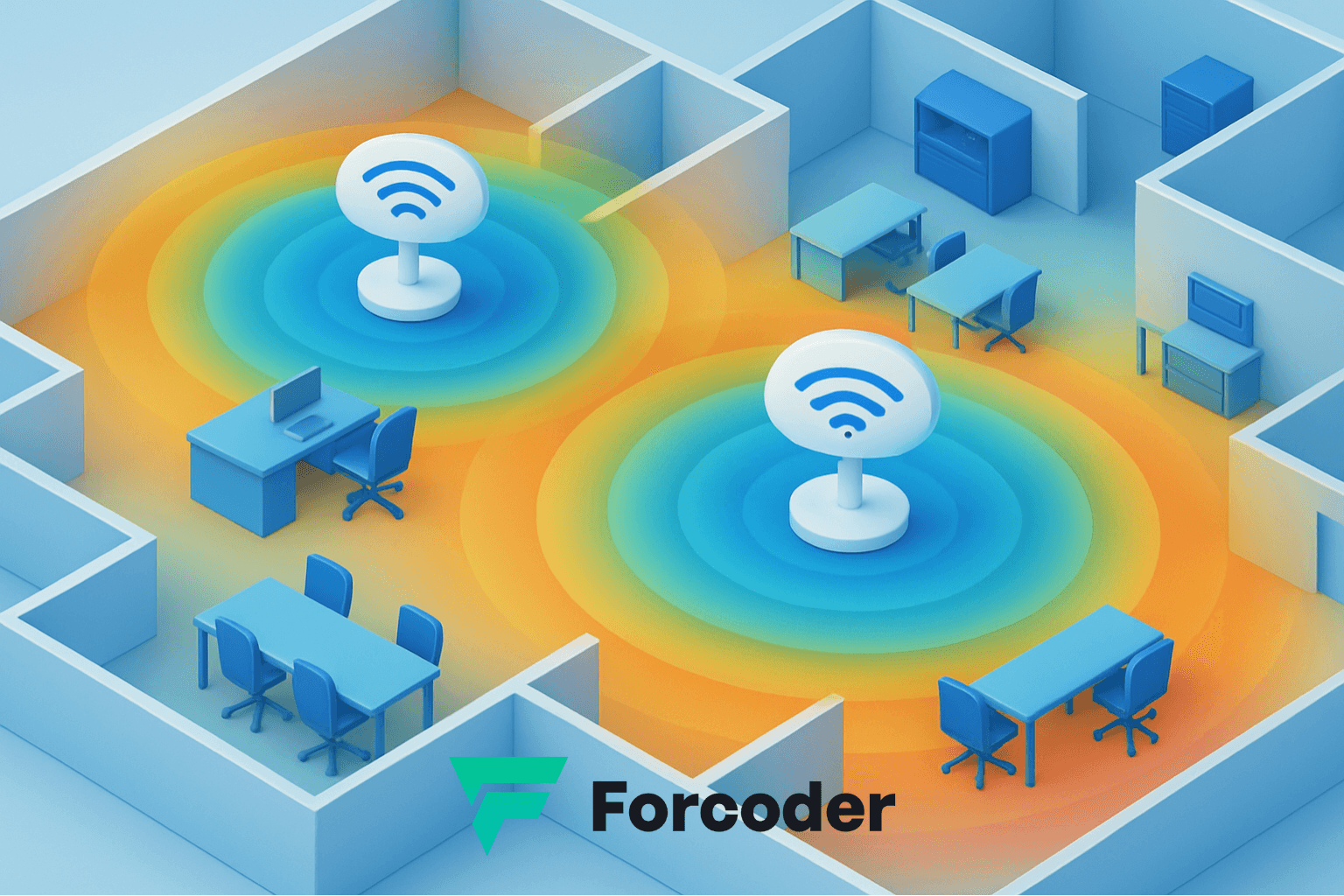
Wi-Fi Coverage — Multiple APs on the Office Floor Plan
Legend
AP Channel 1
AP Channel 6
AP Channel 11
Translucent areas indicate estimated signal strength (stronger at the center).
5. How These Devices Work Together
A well-structured network combines these four elements as follows:
- The router connects your network to the internet.
- The firewall protects the network edge and defines access policies.
- The switch connects all local devices (PCs, servers, printers).
- The access points extend wireless connectivity across the entire area.
Example of a corporate network topology:
[Internet]
    |
 [Firewall]
    |
 [Roteador]
    |
 [Switch Gerenciável] -- [Servidores]
        | \
        |  \-- [Access Points] -- [Usuários Wi-Fi]
        |
        \-- [Estações de trabalho]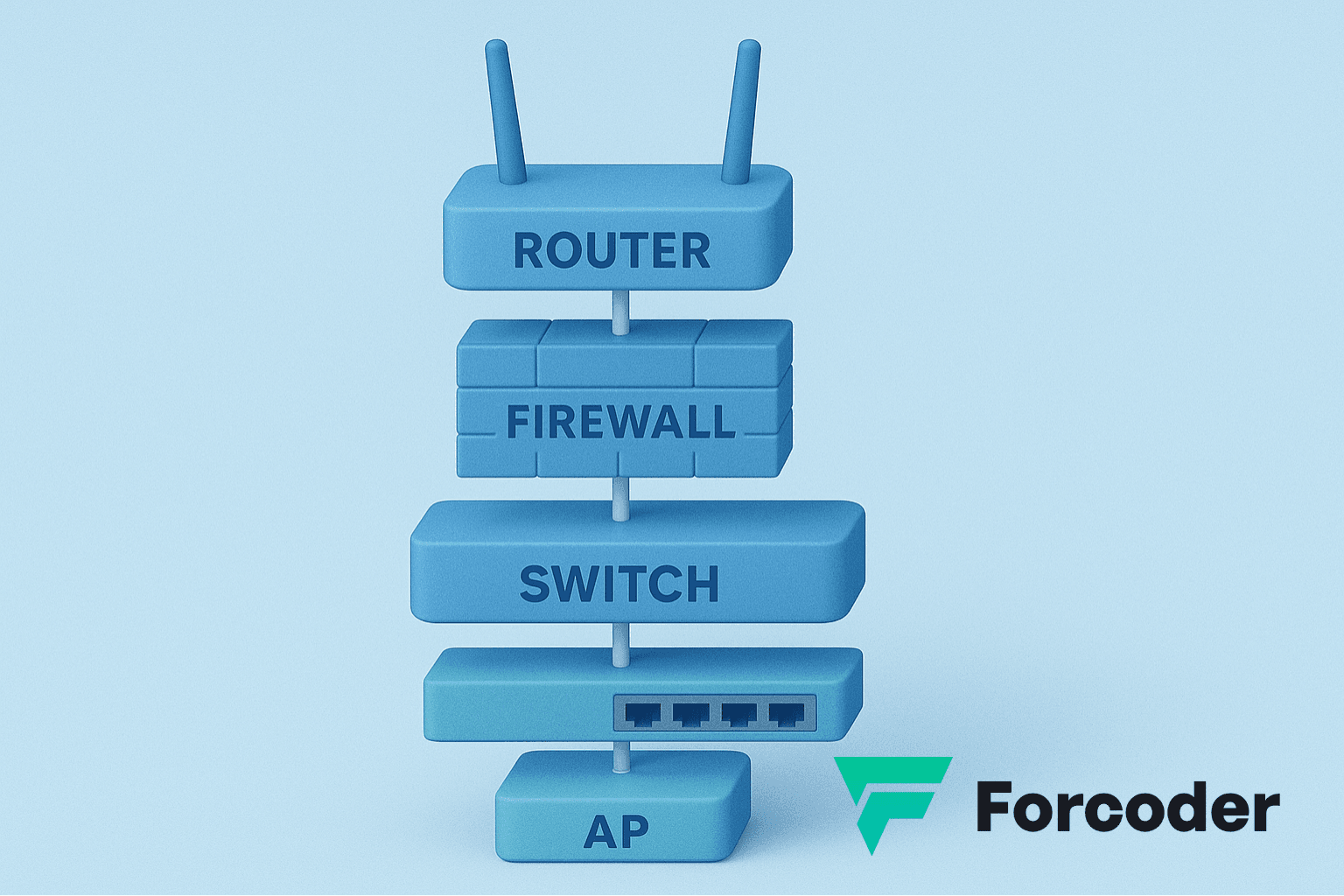
6. Best Practices and Maintenance
To ensure network performance and security, follow these recommended practices:
- Update the firmware of all devices regularly.
- Use VLANs to separate internal and guest traffic.
- Monitor traffic with tools such as Zabbix, Grafana or PRTG.
- Implement WPA3 authentication on Wi-Fi networks.
- Back up your devices' configurations.
- Avoid default passwords (a classic security mistake!).
💬 Extra tip: Always document the network topology and each device's credentials — it saves hours in future maintenance.
References and Official Documentation
Conclusion: The Solid Foundation of Any Network
Understanding the role of routers, switches, firewalls and access points is the first step toward designing efficient, secure and scalable networks. Each of these devices serves an essential function and, together, they create the ecosystem that keeps businesses and homes connected.
Want to turn your network infrastructure into a secure, fast and future-ready environment?
👉 Contact Forcoder and find out how we can help your company grow with cutting-edge technology.