
Domains, Cloudflare, CDN, and DNS: The Friendly Guide to Boosting Your Online Presence
By Bruno Hoinacki
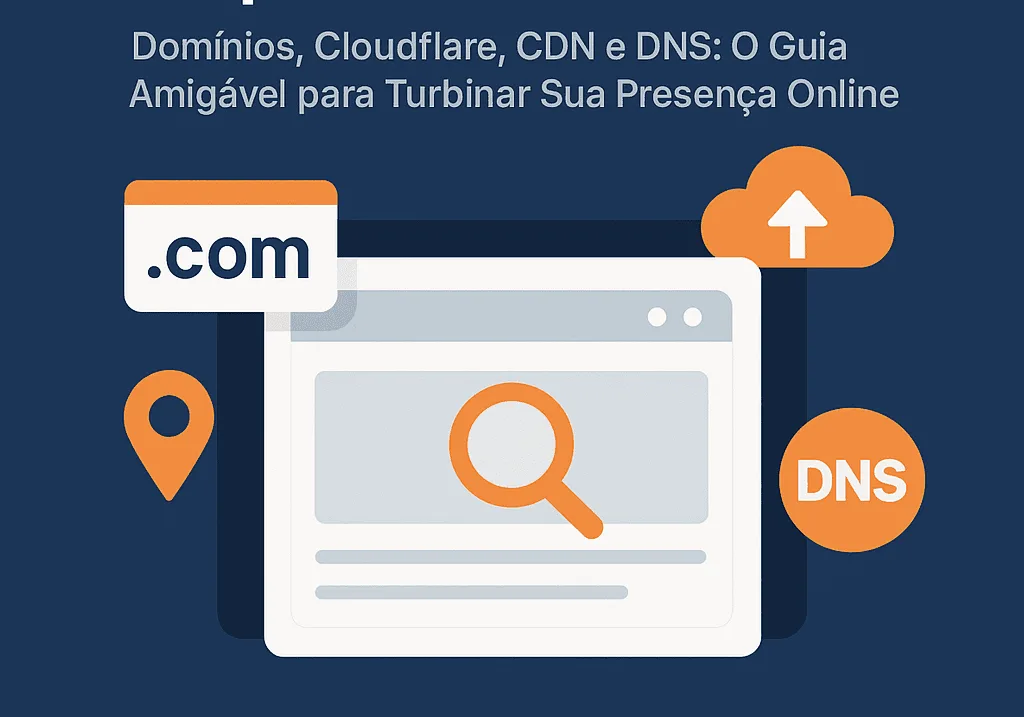
Welcome to the Forcoder blog!
If you have a website or are thinking about building one, you have probably come across terms like domain, DNS, Cloudflare, and CDN. Sounds like another world? Relax, we will explain it!
This is like a chat between friends, but with that technical touch that makes all the difference when it comes to performance, security, and reliability. Ready to make your site faster, more secure, and more professional?
🏠 Domain: Your Business Address on the Internet
Think of a domain as the address of your digital home. It is the name people type to find you, like forcoder.com.br.
🔹 How do you register a domain?
You can register one on sites like Registro.br, GoDaddy, HostGator, among others.
🔹 Why have your own domain?
Compare:
- ✅
forcoder.com.br→ Professional and trustworthy - ❌
forcoder.wordpress.com→ Amateur and limited

🧭 DNS: The GPS of the Internet
DNS (Domain Name System) is what translates your site's name into an IP address, like: 104.21.55.123.
Imagine someone types forcoder.com.br into the browser. DNS kicks in and takes that person to the right server.

🛡️ Nameservers: The Guardians of Your Domain
Nameservers are responsible for telling where your site's information lives. They control DNS.
🔧 Practical example:
If you use Forcoder hosting:
ns1.forcoder.com.br
If you use Cloudflare:amy.ns.cloudflare.combob.ns.cloudflare.com

🚀 Cloudflare: Your Digital Shield + Performance Boost
Cloudflare is like that employee who does it all: it protects, speeds up, and organizes your site. And the best part? Many features are free!
✅ Protects against attacks (DDoS, bots, etc.)
✅ Uses a CDN to deliver your content faster
✅ Easy interface for managing DNS
✅ Free SSL (the famous green padlock)

🌍 CDN: Your Site in Every Corner of the World
A CDN (Content Delivery Network) works as if your site had branches spread across the planet. This means that even someone on the other side of the world visiting your site will see it load faster.
🔄 How it works:
- Your files are replicated across multiple servers.
- When a user visits, the content comes from the nearest server.

🛠️ For the Curious Nerds: A Technical Dive into DNS
DNS records are like the rules that control how your domain behaves.
| Type | Function | Example |
|---|---|---|
| A | Points a domain to an IP | forcoder.com.br → 104.21.55.100 |
| CNAME | Creates aliases | blog.forcoder.com.br → forcoder.com.br |
| MX | Defines email servers | aspmx.l.google.com |
| TXT | Verification or security information | v=spf1 include:_spf.google.com ~all |
| NS | Specifies the domain's nameservers | amy.ns.cloudflare.com |

⚙️ Hands-On: Setting It Up in Practice
- Open the DNS Zone: Through your hosting panel or Cloudflare.
Create the Records:
A: To point the domain to your server's IP.MX: To set up your email provider.
- Save and wait: Propagation can take up to 24 hours.
A Real Example with Cloudflare
Step by step to use Cloudflare on your domain:
- Sign up at cloudflare.com
- Add your domain
- Change the nameservers at Registro.br to Cloudflare's
- In the Cloudflare dashboard, add an A record pointing to the IP of your Forcoder hosting
Done! Your site will be faster, more secure, and perform like a pro.
Domain, DNS, CDN, and Cloudflare are the pillars of a solid digital presence. With these tools set up, you get:
- 🚀 Speed
- 🔒 Security
- 💼 Professionalism
Not sure? Talk to us here at Forcoder! We will help you build your online presence the right way, no fluff.